
Staff guide
How to run a poker run
Access, setup, and event-day desks — from first sign-in through the live board.
Access
Signing up creates your account. From /go you can create a club yourself, or wait for a platform admin to assign you as judge or admin on an existing club.
- Sign up or sign in, then you’ll land on /go.
- No club yet? Create one on /go — you’re the club admin and can open the desk immediately.
- Joining an existing club as judge or admin? A platform admin adds you on the club’s Members page.
- With one or more memberships, /go lists your clubs (and lets you create another).
Platform admins still manage clubs and staff from /platform. Club admins cannot invite staff themselves.
Club setup
Before event day: branding, a configured run, and a roster so check-in is a lookup.
- Open Branding and set logo and colors — they show on desks and the public board.
- Create a poker run: schedule, timezone, hand and bonus prices, max hands, payout percent and place splits.
- Open the run for check-in when you’re ready to sell hands.
- Import the member roster (CSV or TSV) so check-in can look people up.
Run status moves draft → open → in progress → closed. Sales lock when the run ends; judges can still enter hands after close.
Event day
Check-in sells hands, the ledger tracks money taken outside the app, and the board stays public.
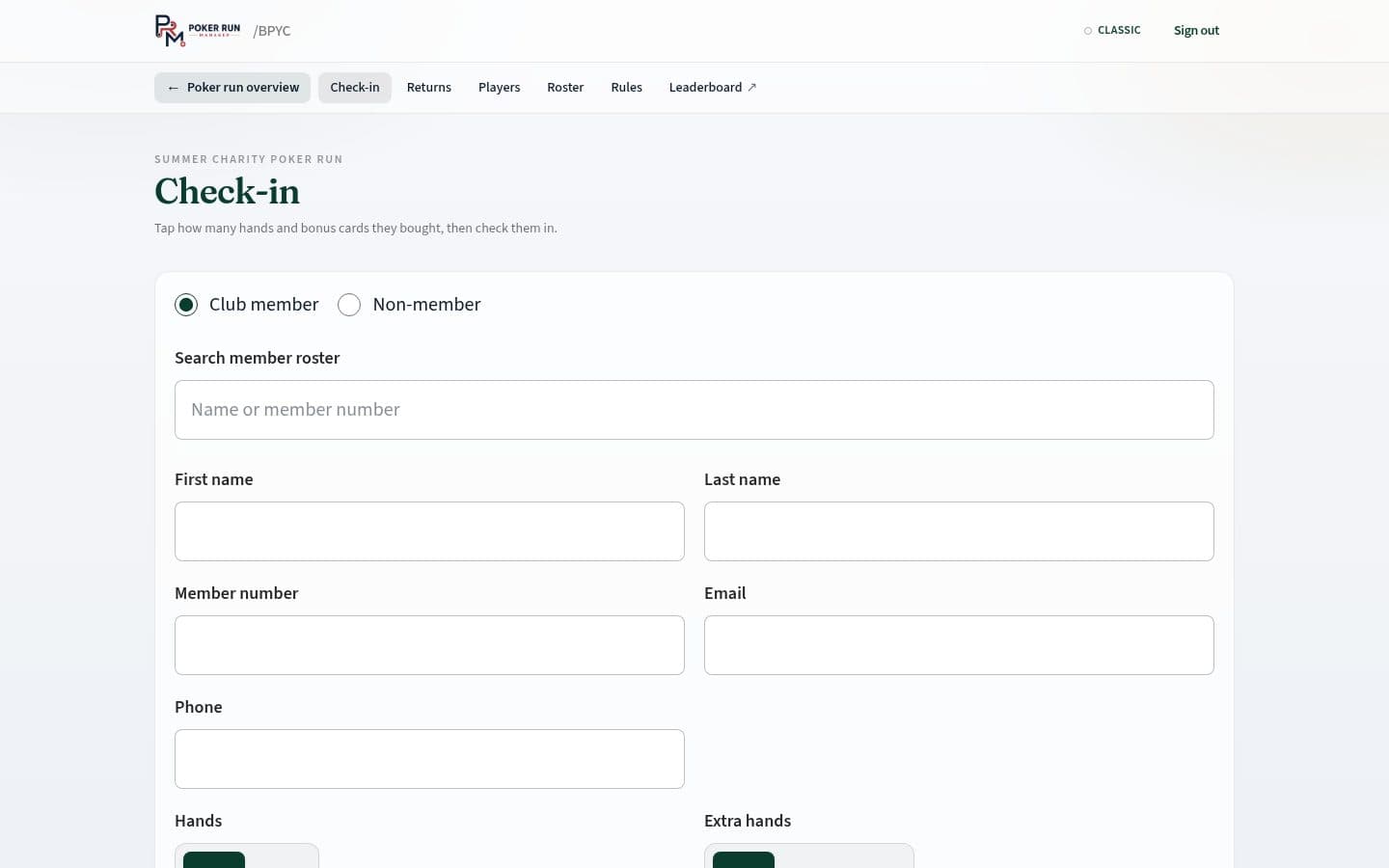
- At check-in: look up members from the roster, or add guests on the non-member form.
- Sell hands and bonus cards; record cash or card in the ledger (payment itself stays outside the app).
- Share the live leaderboard URL with the TV crew and briefing table.
- Use Returns when players come back — mark returned, then hand off to judges.
- End the poker run when sales should stop; judging can continue.
Judges
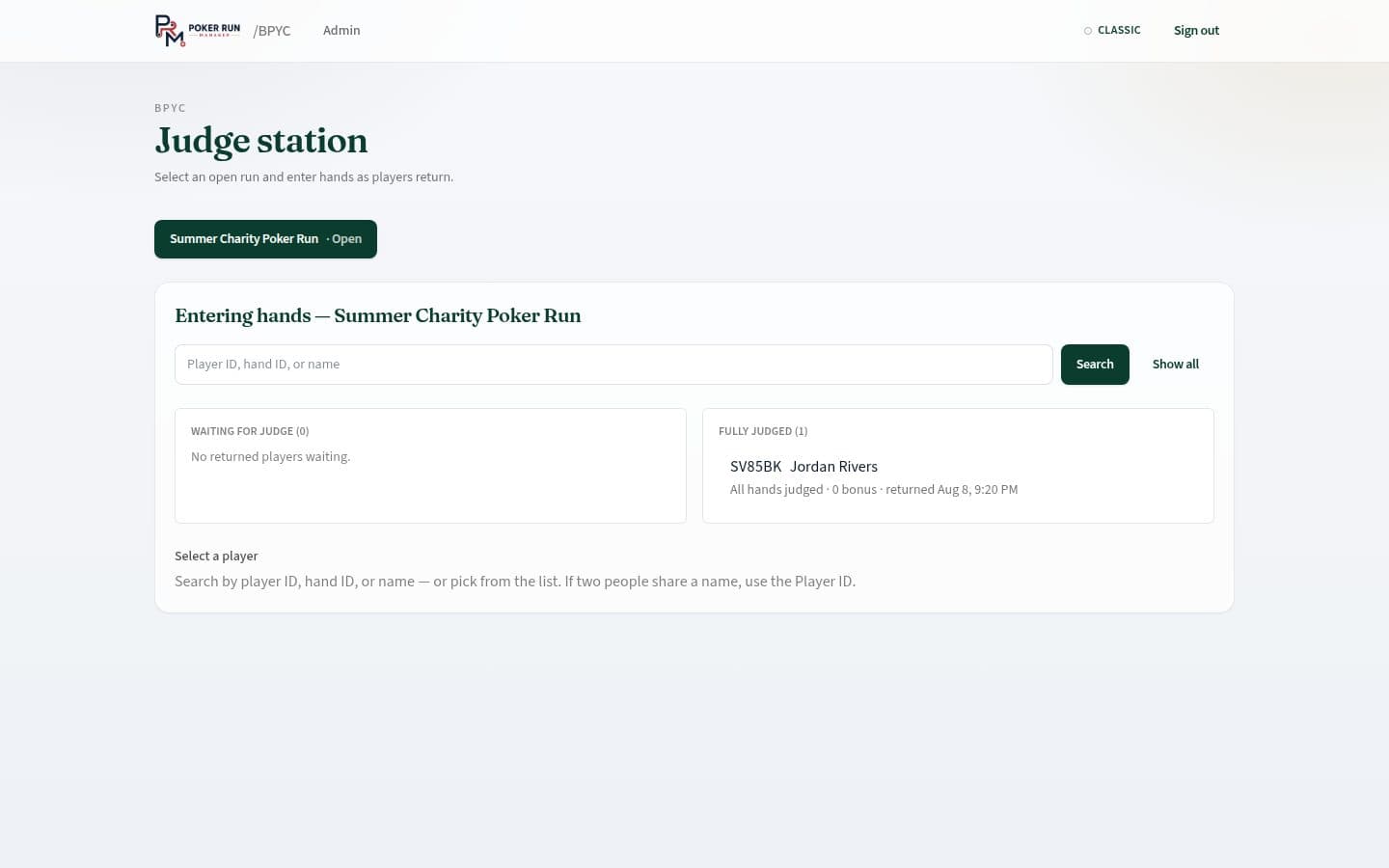
One shared judge station for the return table. Club admins can open it too.
- Open /{club}/judge (or the Judge link from the club desk).
- Search by player name or hand ID.
- Enter the cards from the sealed envelope; best-five ranking is automatic.
- Fix mistakes when needed — edits leave an audit trail.
Public board
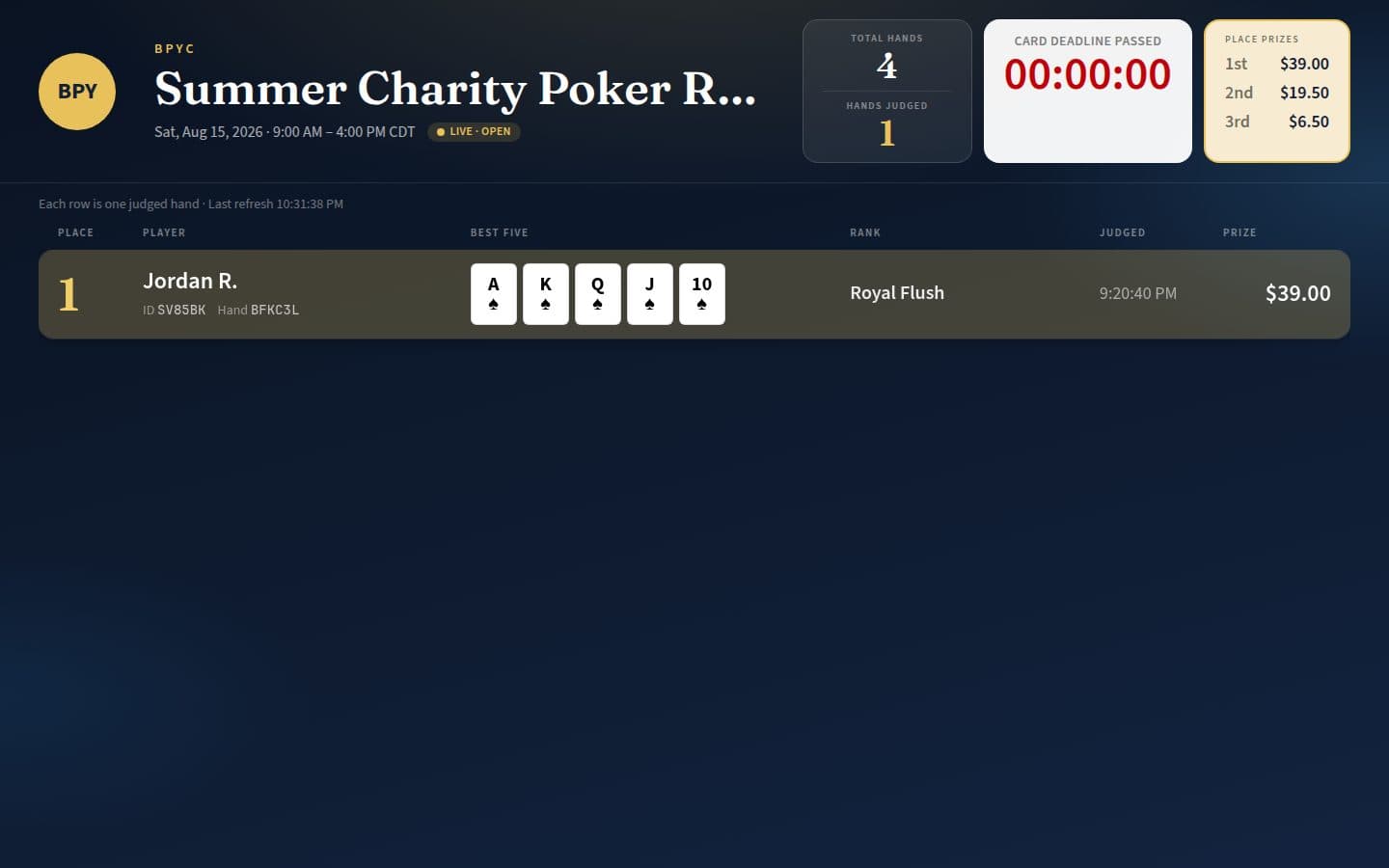
Players don’t sign in. Standings and personal pages are public links — no login.
- Live leaderboard:
/{club}/run/{runId}/leaderboard— places, best-five, and prize amounts as sales and judging land. - Personal standing: each player gets a page by public code for their own result.
Roles at a glance
Who does what on and before event day.
| Role | Does |
|---|---|
| Platform admin | Manages clubs and staff, assigns club admins and judges, can open any club desk. |
| Club admin | Can create a club from /go; branding, runs, roster, check-in, returns, ledger, rules PDF, exports, end/postpone run; can also use the judge station. |
| Judge | Shared judge station and returns help. Cannot create runs, sell hands, or change branding. |
| Player | No account. Uses the public leaderboard and personal standing link from check-in. |